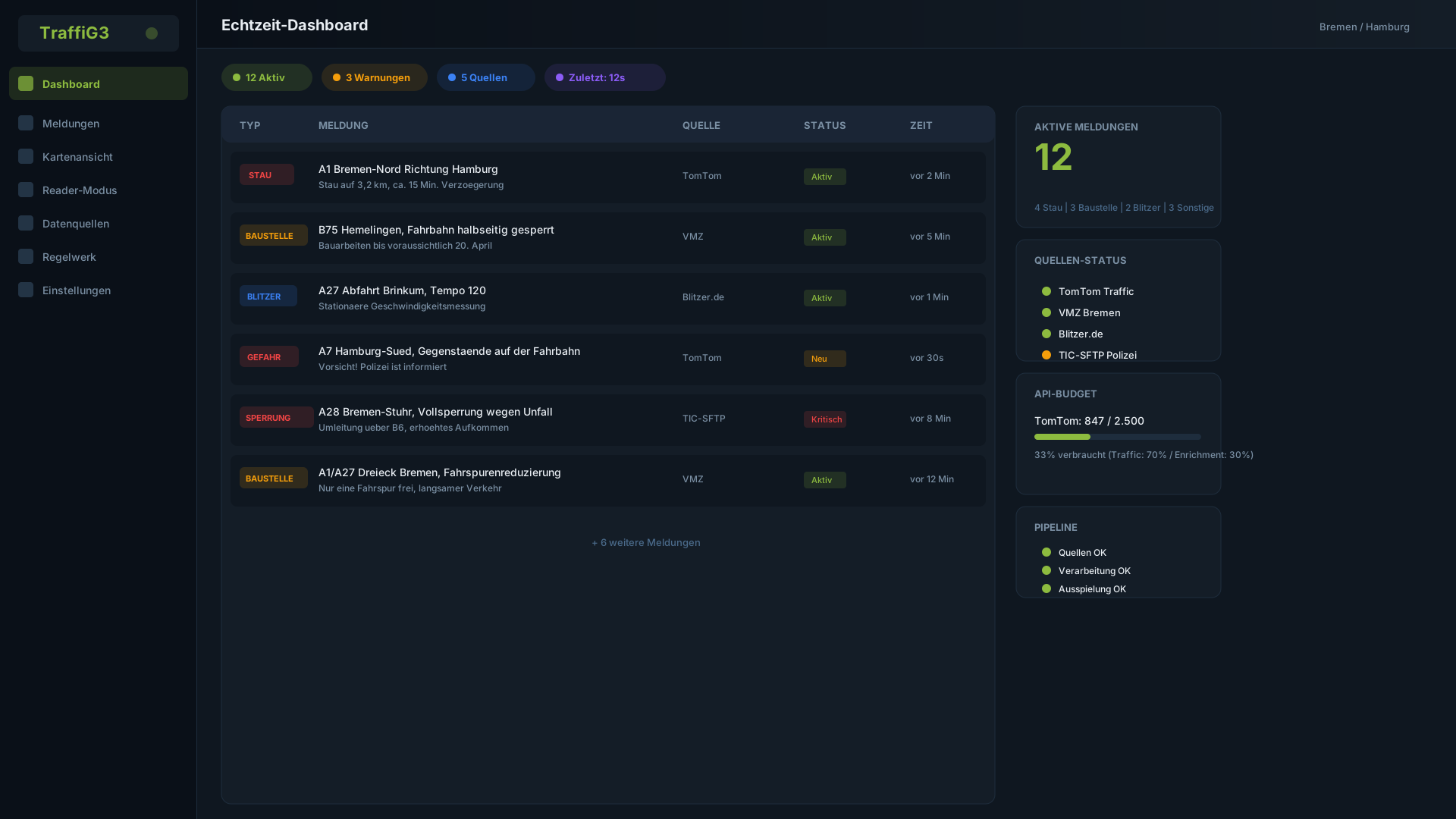
The Traffic Situation — Always in View
All traffic reports, speed cameras and disruptions at a glance — as a map, list or in the special reader mode for presenters at the microphone.
Interactive Map View
The map view displays all active reports with color-coded markers. Zoom into your region, filter by type and see at a glance where traffic events are concentrated.
- Color coding by report type and severity
- Cluster view for dense report areas
- One-click zoom to your configured broadcast region
- Real-time updates without page reload
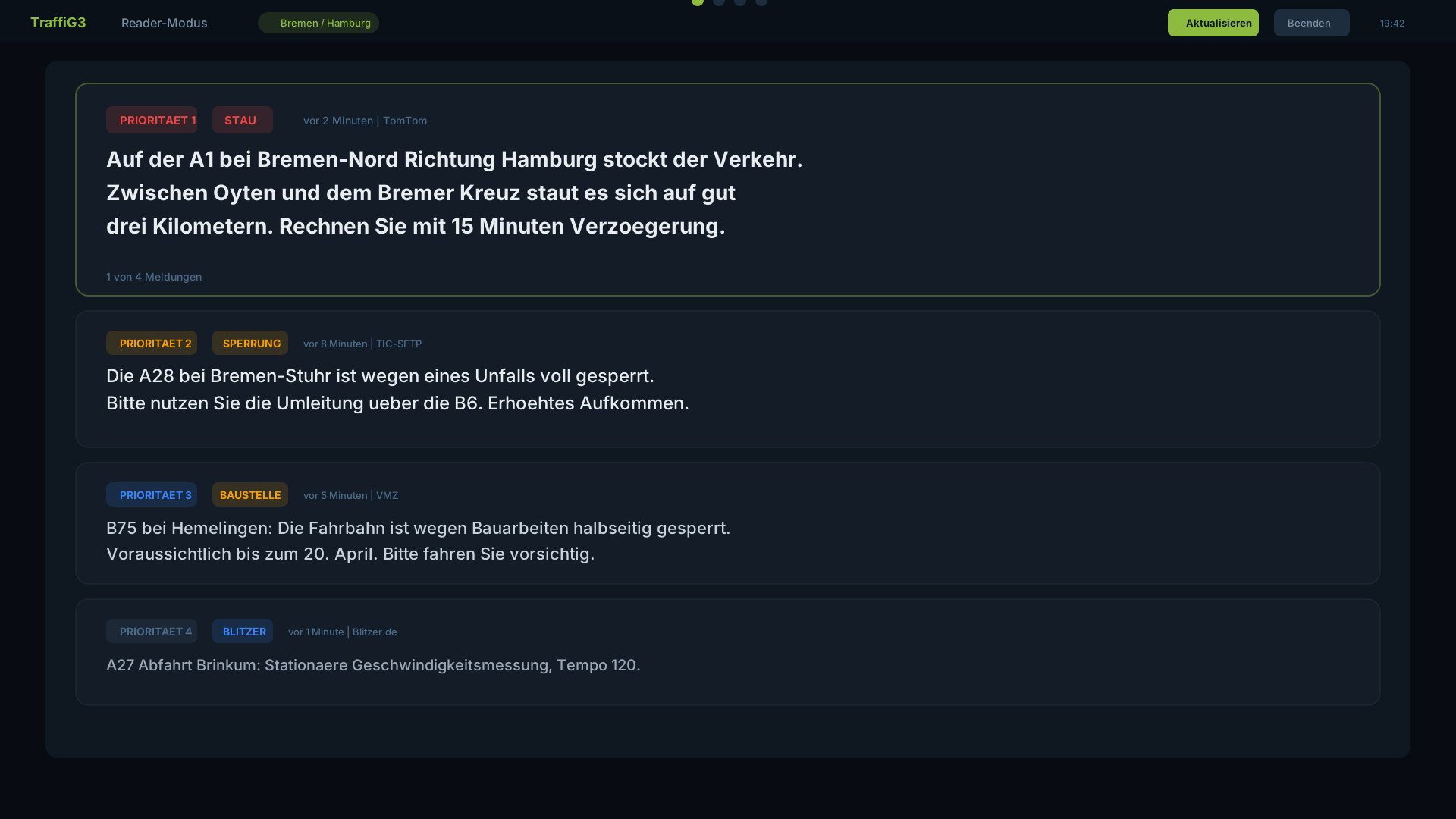
Reader Mode for Presenters
Reader mode is optimized for on-air use: large text, clear prioritization and one-click navigation to the next report. Exactly what presenters need during live broadcasts.
- Large, easily readable text for broadcast situations
- Automatic prioritization by relevance
- One-click update of the report block
- Distraction-free interface without side features